
25/08/2026
CRM vs ERP: Key Differences and How to Choose by Company Size
Compare CRM and ERP by goals, data, users, and implementation scope, then choose the right system for your company size and growth stage.


Effective AI integration does not begin with a flashy chatbot. It begins with a specific, time-consuming task that has sufficient data and an outcome that can be measured before and after implementation.
Below are nine practical AI opportunities businesses can prioritize, followed by a method for selecting the first use case, managing risk, and running a 90-day pilot. This is the next practical layer of a business digital transformation roadmap once core processes and data are ready.
AI works best inside a clear process. Before choosing a model, determine where the data lives, who owns it, what a correct result looks like, and when human approval is required.
AI can read email, form, or conversation content to identify the topic and priority, then route the request to the right team. Value is easy to measure through first-response time, misrouting rate, and backlog.
A system can create structured summaries of contracts, minutes, reports, or email threads. Users still verify critical facts, while spending substantially less time reading and consolidating information.
A source-grounded assistant can help employees find policies, procedures, technical documents, and approved answers. Success depends as much on document permissions, source freshness, and visible citations as it does on the AI model.
AI can prepare email drafts, product descriptions, article outlines, or personalized content using permitted data. Brand voice, facts, and legal claims still require review before publication.
Combining CRM and behavioral signals can help sales teams focus on stronger opportunities. The model should be reviewed regularly so it does not amplify bias from historical outcomes.
AI can support forecasts for demand, inventory, support volume, or workload. Show confidence ranges and allow operators to adjust for events the historical data cannot represent.
A system can flag unusual transactions, operational metrics, or product images for human inspection. This works best when the costs of missed issues and false alarms are both understood.
AI can recommend the next step, prefill a form, or prepare data for a task. Connecting AI to enterprise management software turns the assistant into practical value, but sensitive actions need restricted permissions and explicit confirmation.
AI can explain dashboard movements, summarize highlights, and suggest questions for further analysis. The underlying figures must come from governed systems; the model should never invent numbers in place of a data source.
Score each idea across five criteria: business impact, frequency, data readiness, verifiability, and risk. The strongest starting point usually offers meaningful impact, available data, and output that people can easily verify.
Avoid beginning with high-impact financial, legal, health, or individual-rights decisions. A source-grounded internal assistant or request-classification flow is usually a safer pilot.
Select one process, collect representative examples, and measure current time, cost, and quality. Define stop criteria if accuracy or risk falls outside acceptable limits.
Build a constrained version, connect only the necessary data sources, and let a small group use it. Record technical failures as well as cases where people misunderstand or over-trust an answer.
Compare results with the baseline, including cost per task, accuracy, and user acceptance. Before scaling, complete monitoring, access controls, a manual fallback, and clear operational ownership.
Not every use case requires training a custom model. A business can combine a foundation model with governed documents, business rules, and a representative evaluation set.
It can automate low-risk steps with easily verified outcomes. For consequential decisions, AI should recommend or prepare information for a person to approve.
Use process-level metrics: handling time, cost per task, accuracy, rework rate, user acceptance, and customer impact.
AgentTech helps businesses identify AI opportunities, prepare data, build integrations, and operate controlled pilots. Explore our technology and AI services or contact AgentTech to begin with a measurable use case.
Compare CRM and ERP by goals, data, users, and implementation scope, then choose the right system for your company size and growth stage.

A practical six-step roadmap covering process assessment, data foundations, system integration, automation, and responsible AI adoption.
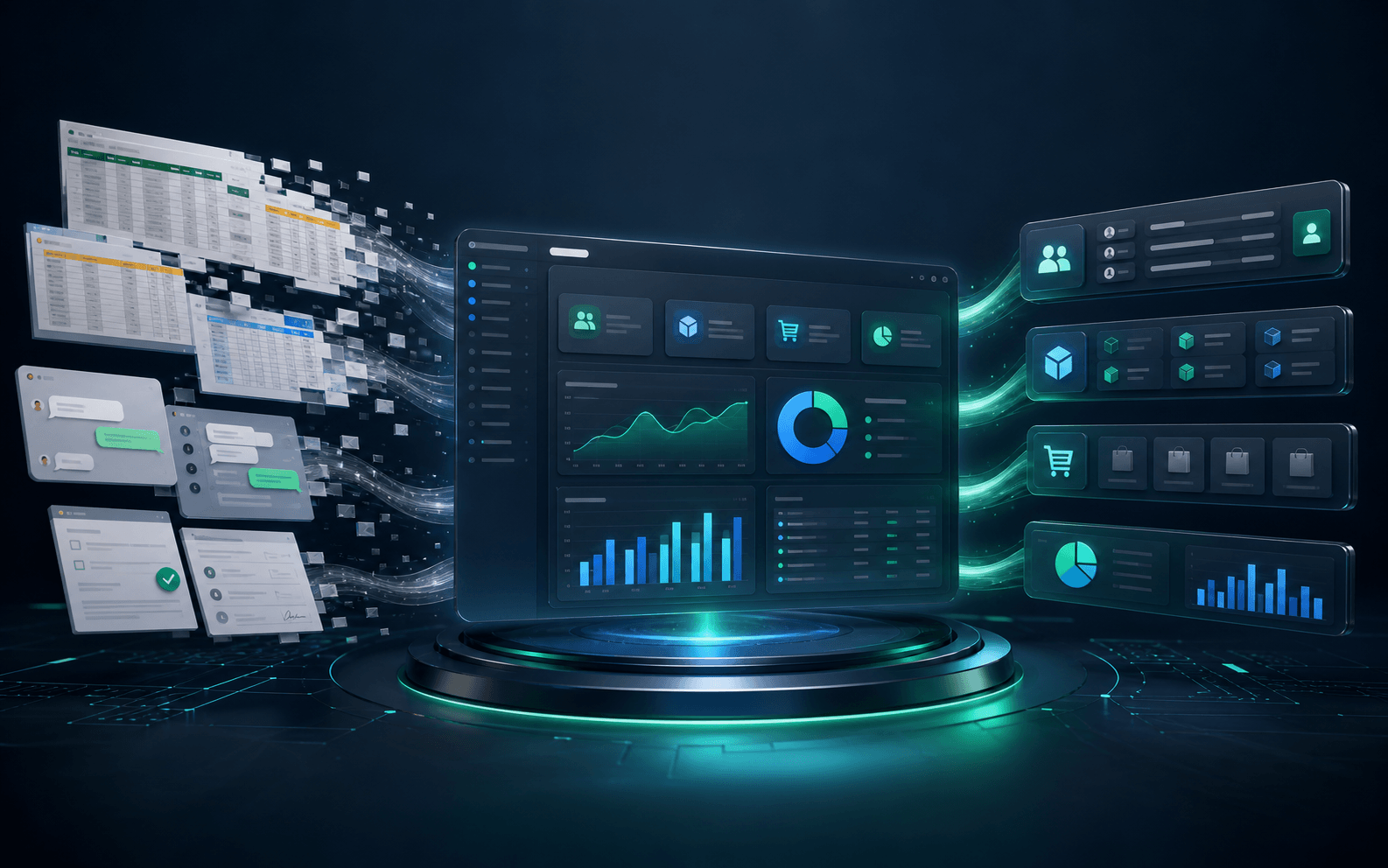
Compare off-the-shelf and custom enterprise software, recognize when a tailored solution is justified, and follow a lower-risk implementation roadmap.

Effective AI integration does not begin with a flashy chatbot. It begins with a specific, time-consuming task that has sufficient data and an outcome that can be measured before and after implementation.
Below are nine practical AI opportunities businesses can prioritize, followed by a method for selecting the first use case, managing risk, and running a 90-day pilot. This is the next practical layer of a business digital transformation roadmap once core processes and data are ready.
AI works best inside a clear process. Before choosing a model, determine where the data lives, who owns it, what a correct result looks like, and when human approval is required.
AI can read email, form, or conversation content to identify the topic and priority, then route the request to the right team. Value is easy to measure through first-response time, misrouting rate, and backlog.
A system can create structured summaries of contracts, minutes, reports, or email threads. Users still verify critical facts, while spending substantially less time reading and consolidating information.
A source-grounded assistant can help employees find policies, procedures, technical documents, and approved answers. Success depends as much on document permissions, source freshness, and visible citations as it does on the AI model.
AI can prepare email drafts, product descriptions, article outlines, or personalized content using permitted data. Brand voice, facts, and legal claims still require review before publication.
Combining CRM and behavioral signals can help sales teams focus on stronger opportunities. The model should be reviewed regularly so it does not amplify bias from historical outcomes.
AI can support forecasts for demand, inventory, support volume, or workload. Show confidence ranges and allow operators to adjust for events the historical data cannot represent.
A system can flag unusual transactions, operational metrics, or product images for human inspection. This works best when the costs of missed issues and false alarms are both understood.
AI can recommend the next step, prefill a form, or prepare data for a task. Connecting AI to enterprise management software turns the assistant into practical value, but sensitive actions need restricted permissions and explicit confirmation.
AI can explain dashboard movements, summarize highlights, and suggest questions for further analysis. The underlying figures must come from governed systems; the model should never invent numbers in place of a data source.
Score each idea across five criteria: business impact, frequency, data readiness, verifiability, and risk. The strongest starting point usually offers meaningful impact, available data, and output that people can easily verify.
Avoid beginning with high-impact financial, legal, health, or individual-rights decisions. A source-grounded internal assistant or request-classification flow is usually a safer pilot.
Select one process, collect representative examples, and measure current time, cost, and quality. Define stop criteria if accuracy or risk falls outside acceptable limits.
Build a constrained version, connect only the necessary data sources, and let a small group use it. Record technical failures as well as cases where people misunderstand or over-trust an answer.
Compare results with the baseline, including cost per task, accuracy, and user acceptance. Before scaling, complete monitoring, access controls, a manual fallback, and clear operational ownership.
Not every use case requires training a custom model. A business can combine a foundation model with governed documents, business rules, and a representative evaluation set.
It can automate low-risk steps with easily verified outcomes. For consequential decisions, AI should recommend or prepare information for a person to approve.
Use process-level metrics: handling time, cost per task, accuracy, rework rate, user acceptance, and customer impact.
AgentTech helps businesses identify AI opportunities, prepare data, build integrations, and operate controlled pilots. Explore our technology and AI services or contact AgentTech to begin with a measurable use case.
Compare CRM and ERP by goals, data, users, and implementation scope, then choose the right system for your company size and growth stage.
A practical six-step roadmap covering process assessment, data foundations, system integration, automation, and responsible AI adoption.
Compare off-the-shelf and custom enterprise software, recognize when a tailored solution is justified, and follow a lower-risk implementation roadmap.