17/08/2026
Business Digital Transformation: A 6-Step Roadmap to AI
A practical six-step roadmap covering process assessment, data foundations, system integration, automation, and responsible AI adoption.


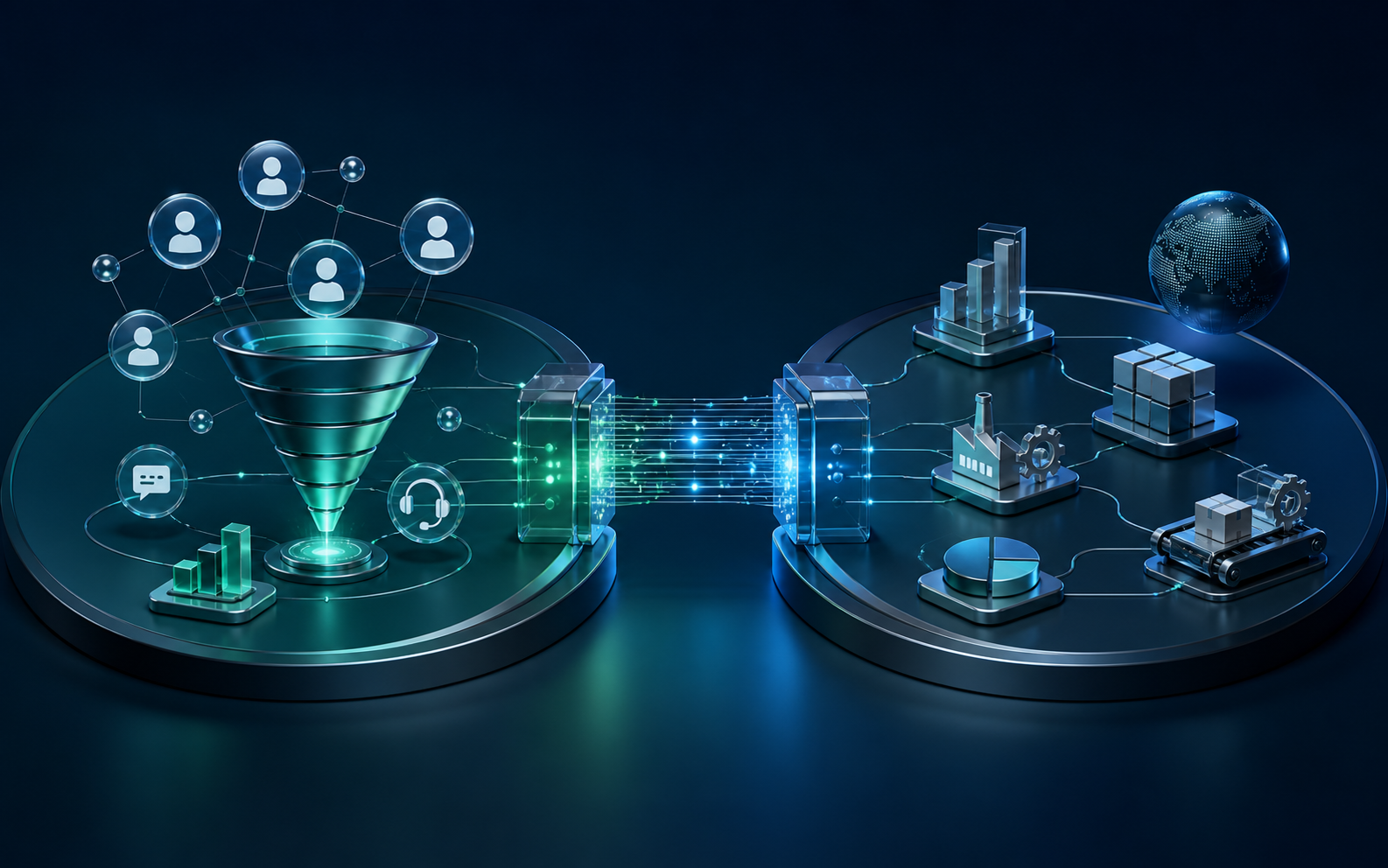
CRM and ERP differ mainly in management scope: CRM focuses on customers, revenue, and experience, while ERP focuses on resources, costs, and internal operations. They are complementary rather than mutually exclusive. The right starting point depends on the most urgent bottleneck, process maturity, and the organization's ability to maintain reliable data.
This guide helps leaders and implementation teams distinguish CRM from ERP, decide which system to prioritize at each company size, and avoid buying an oversized platform before the business problem is clear.
CRM, or Customer Relationship Management, is a system for managing relationships and interactions with current and potential customers. According to Salesforce's CRM definition, it helps companies stay connected to customers, streamline processes, and improve business performance.
Typical CRM data includes lead sources, interaction history, sales opportunities, quotations, marketing campaigns, support requests, and win-loss reasons. Its primary users are usually marketing, sales, customer service, and revenue leaders.
CRM is relevant when opportunities are being missed, customer information is scattered, sales forecasts are unreliable, handovers lack context, or marketing effectiveness cannot be measured.
ERP, or Enterprise Resource Planning, connects core processes such as finance, procurement, inventory, manufacturing, human resources, supply chain, and sales. SAP describes ERP as software that streamlines core processes and provides a unified view of business activity.
Typical ERP data includes purchase orders, inventory, bills of material, production orders, invoices, receivables, costs, assets, and resources. Its primary users are usually finance, procurement, warehouse, manufacturing, HR, and operations teams.
ERP is relevant when inventory and cash flow are difficult to control, departments report conflicting numbers, approvals depend on spreadsheets, or operating reports take days to consolidate.
CRM faces the market: find the right customers, improve conversion, shorten sales cycles, and strengthen service. ERP faces inward: control costs, fulfillment capacity, cash flow, and resource efficiency.
CRM answers, “Who is the customer, what are they interested in, and what should the team do next?” ERP answers, “What resources do we have, what will it cost, and how can we deliver the product or service?”
Marketing, sales, and service teams usually work in CRM every day. ERP usage is concentrated in finance, inventory, procurement, manufacturing, HR, and operations management.
CRM is measured through conversion rate, revenue by source, sales-cycle length, retention, and satisfaction. ERP is measured through inventory turns, forecast accuracy, order cycle time, operating cost, cash flow, and close speed.
A sales-focused CRM can often be rolled out to one group and produce value quickly. ERP usually touches more financial and operational controls, requiring careful data standardization, permissions, approvals, and cutover planning.
The boundary is not absolute. Customer, product, quotation, and order information may appear in both systems. The important decision is which system owns each data object.
Avoid copying every field in both directions without a business need. Event- and API-based integration reduces duplication, makes failures easier to control, and supports a phased digital transformation roadmap.
If the sales team has a healthy lead volume but runs on spreadsheets, a focused CRM is usually a sensible first step. If the company sells goods and repeatedly struggles with inventory, receivables, or product cost, inventory-sales-accounting ERP modules may deserve priority.
Avoid purchasing an extensive suite at this stage. Choose one end-to-end workflow, the minimum necessary data fields, and one person accountable for data quality.
As revenue, locations, or transaction volume grows, both CRM and ERP usually become important. Implement the system that addresses the urgent constraint, then connect the flow from opportunity to quotation, order, fulfillment, and payment.
This is also the point to assess standard products, custom modules, and APIs. Our guide to when custom enterprise software is justified can help structure the buy, build, or hybrid decision.
With multiple subsidiaries, factories, or markets, the choice is no longer a product name. The organization needs an overall architecture, master-data standards, permissions, audit trails, integrations with existing systems, and a phased cutover plan.
Rather than launching everywhere at once, select a representative business unit to validate processes, performance, and reporting before scaling.
If the first three questions remain unanswered, do not select a vendor yet. Conduct process discovery and establish a baseline so the project does not turn into a feature checklist.
This suits services, B2B companies, or fast-growing sales teams when accounting and operations remain adequate. Start with leads, opportunities, activities, and forecasts, then connect orders and payments.
This suits retail, distribution, or manufacturing when inventory, product cost, purchasing, and receivables create the greatest risk. Once product and order data are stable, CRM can use transaction history to personalize sales and service.
This works when disconnected systems already exist or the company needs to redesign the full lead-to-cash journey. The first scope should cover one product group, location, or customer segment—not the entire enterprise.
A successful project does not end on go-live day. Track data quality, adoption, processing time, and user feedback, then improve the system in measurable cycles.
Not completely. Some platforms overlap, but CRM is not designed to replace the full depth of accounting, inventory, manufacturing, and resource planning. Evaluate process depth rather than module labels.
Some ERP suites include sales or basic CRM modules. That may be sufficient for simple processes, while companies with multichannel marketing, complex sales, or advanced service usually need deeper CRM capabilities.
A unified platform may reduce integration effort, but it is not automatically the best fit for each function. Compare process fit, scalability, APIs, data ownership, and three-to-five-year total cost.
Start with a review of processes, data, and business metrics; only then decide on CRM, ERP, or a hybrid architecture. AgentTech can help define the scope, integration design, and a measurable first release. Explore AgentTech technology services or contact our team to discuss your requirements.
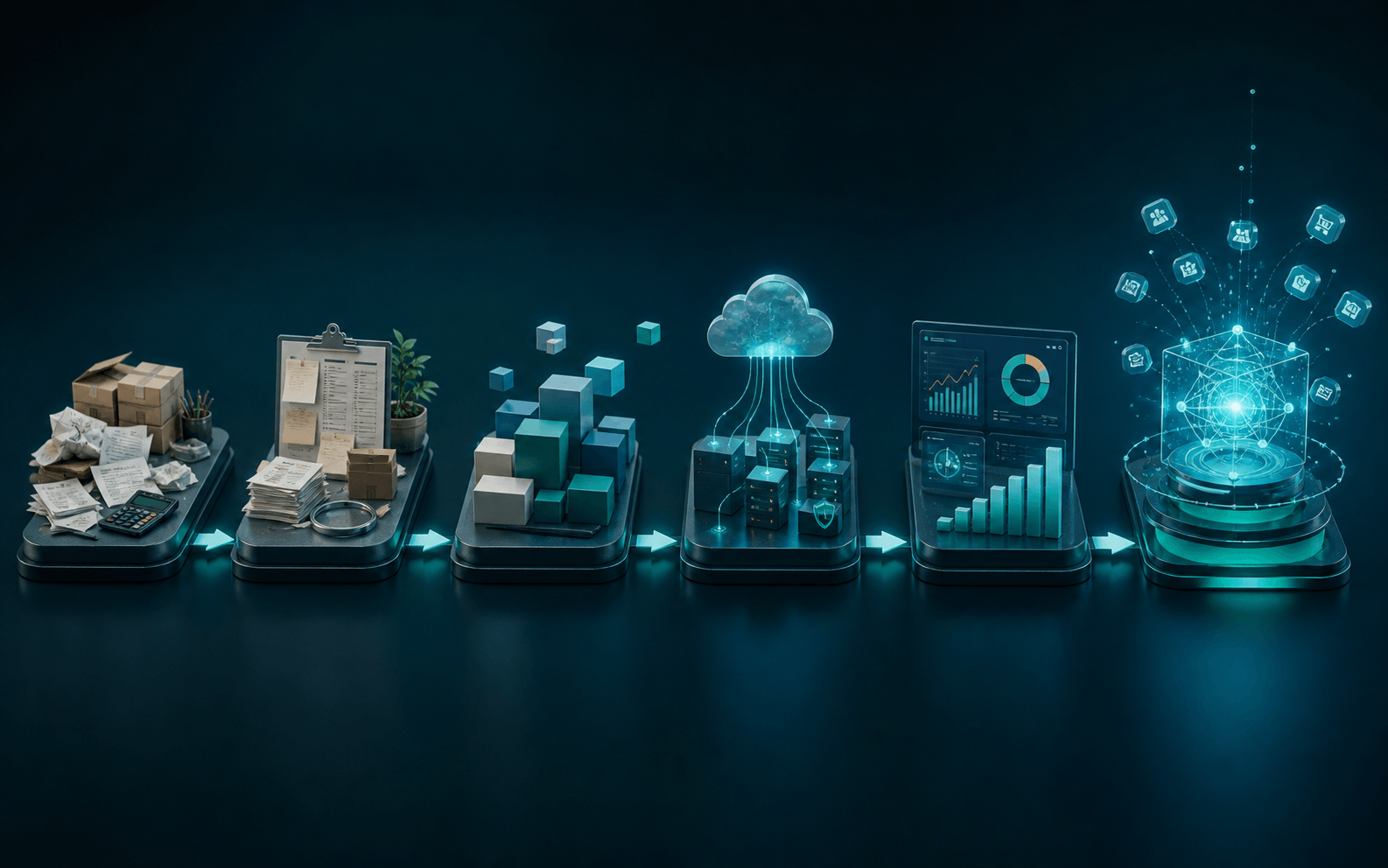
A practical six-step roadmap covering process assessment, data foundations, system integration, automation, and responsible AI adoption.
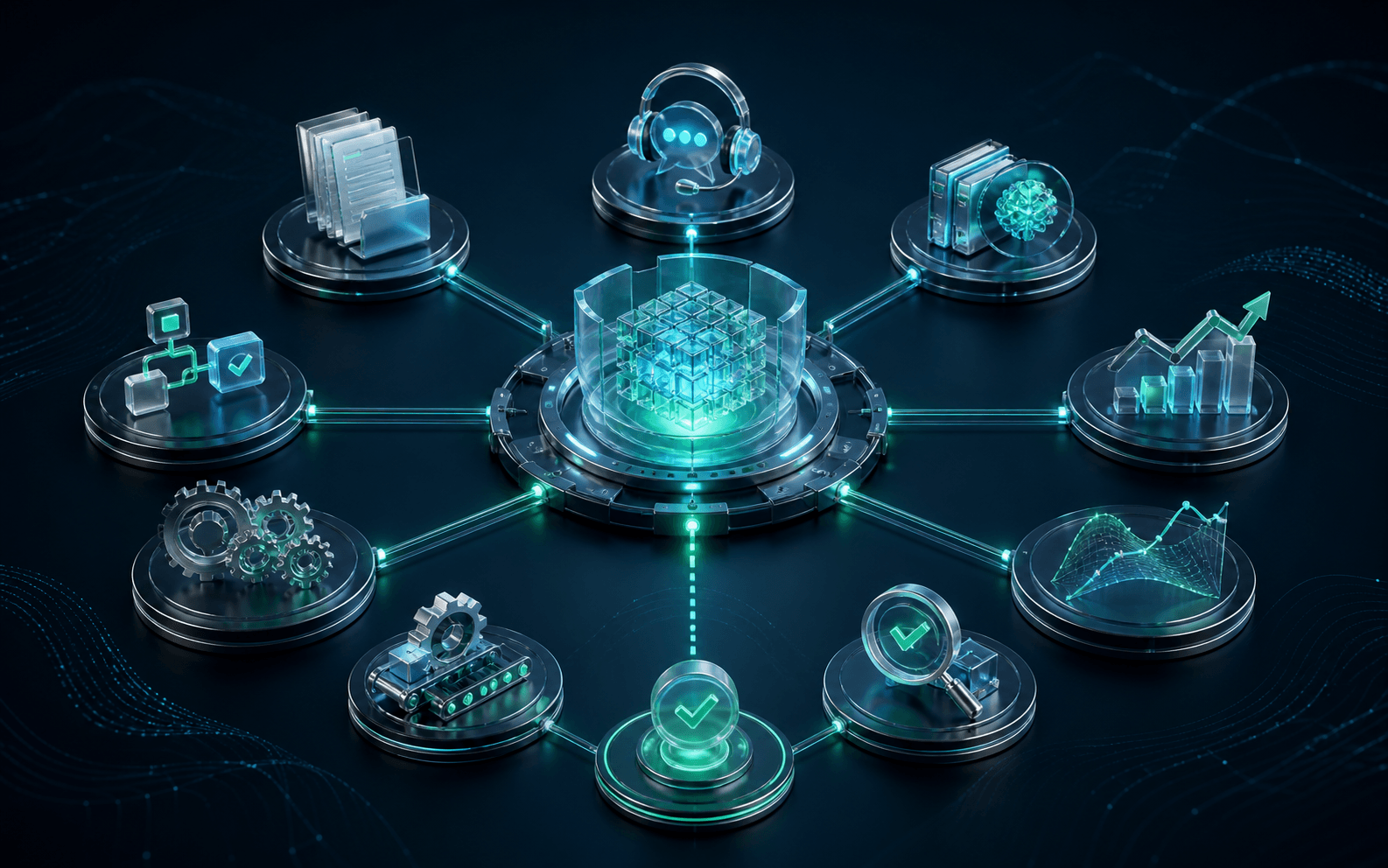
Nine practical business AI use cases, from customer support and document processing to forecasting, workflow automation, and internal knowledge assistants.
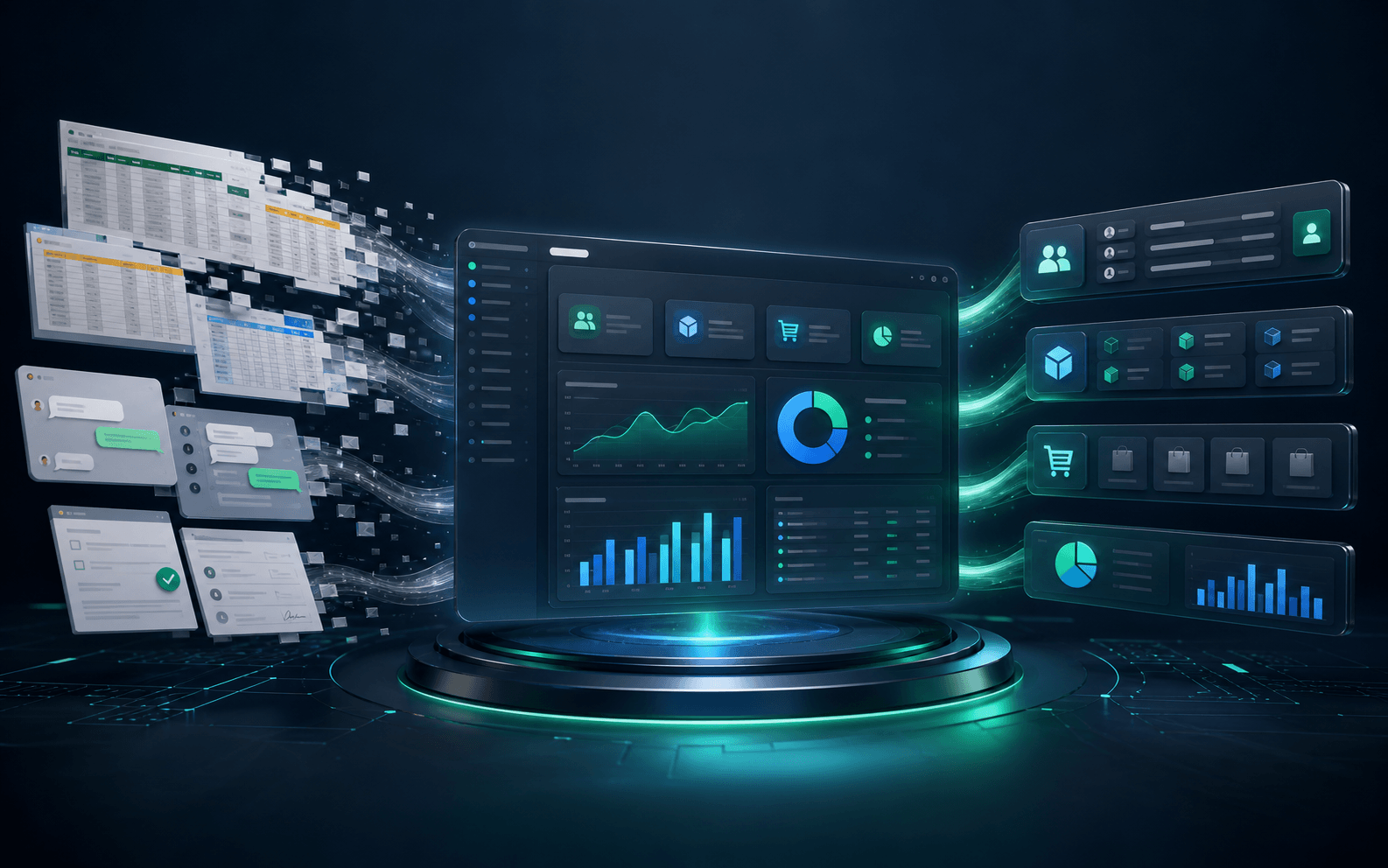
Compare off-the-shelf and custom enterprise software, recognize when a tailored solution is justified, and follow a lower-risk implementation roadmap.

CRM and ERP differ mainly in management scope: CRM focuses on customers, revenue, and experience, while ERP focuses on resources, costs, and internal operations. They are complementary rather than mutually exclusive. The right starting point depends on the most urgent bottleneck, process maturity, and the organization's ability to maintain reliable data.
This guide helps leaders and implementation teams distinguish CRM from ERP, decide which system to prioritize at each company size, and avoid buying an oversized platform before the business problem is clear.
CRM, or Customer Relationship Management, is a system for managing relationships and interactions with current and potential customers. According to Salesforce's CRM definition, it helps companies stay connected to customers, streamline processes, and improve business performance.
Typical CRM data includes lead sources, interaction history, sales opportunities, quotations, marketing campaigns, support requests, and win-loss reasons. Its primary users are usually marketing, sales, customer service, and revenue leaders.
CRM is relevant when opportunities are being missed, customer information is scattered, sales forecasts are unreliable, handovers lack context, or marketing effectiveness cannot be measured.
ERP, or Enterprise Resource Planning, connects core processes such as finance, procurement, inventory, manufacturing, human resources, supply chain, and sales. SAP describes ERP as software that streamlines core processes and provides a unified view of business activity.
Typical ERP data includes purchase orders, inventory, bills of material, production orders, invoices, receivables, costs, assets, and resources. Its primary users are usually finance, procurement, warehouse, manufacturing, HR, and operations teams.
ERP is relevant when inventory and cash flow are difficult to control, departments report conflicting numbers, approvals depend on spreadsheets, or operating reports take days to consolidate.
CRM faces the market: find the right customers, improve conversion, shorten sales cycles, and strengthen service. ERP faces inward: control costs, fulfillment capacity, cash flow, and resource efficiency.
CRM answers, “Who is the customer, what are they interested in, and what should the team do next?” ERP answers, “What resources do we have, what will it cost, and how can we deliver the product or service?”
Marketing, sales, and service teams usually work in CRM every day. ERP usage is concentrated in finance, inventory, procurement, manufacturing, HR, and operations management.
CRM is measured through conversion rate, revenue by source, sales-cycle length, retention, and satisfaction. ERP is measured through inventory turns, forecast accuracy, order cycle time, operating cost, cash flow, and close speed.
A sales-focused CRM can often be rolled out to one group and produce value quickly. ERP usually touches more financial and operational controls, requiring careful data standardization, permissions, approvals, and cutover planning.
The boundary is not absolute. Customer, product, quotation, and order information may appear in both systems. The important decision is which system owns each data object.
Avoid copying every field in both directions without a business need. Event- and API-based integration reduces duplication, makes failures easier to control, and supports a phased digital transformation roadmap.
If the sales team has a healthy lead volume but runs on spreadsheets, a focused CRM is usually a sensible first step. If the company sells goods and repeatedly struggles with inventory, receivables, or product cost, inventory-sales-accounting ERP modules may deserve priority.
Avoid purchasing an extensive suite at this stage. Choose one end-to-end workflow, the minimum necessary data fields, and one person accountable for data quality.
As revenue, locations, or transaction volume grows, both CRM and ERP usually become important. Implement the system that addresses the urgent constraint, then connect the flow from opportunity to quotation, order, fulfillment, and payment.
This is also the point to assess standard products, custom modules, and APIs. Our guide to when custom enterprise software is justified can help structure the buy, build, or hybrid decision.
With multiple subsidiaries, factories, or markets, the choice is no longer a product name. The organization needs an overall architecture, master-data standards, permissions, audit trails, integrations with existing systems, and a phased cutover plan.
Rather than launching everywhere at once, select a representative business unit to validate processes, performance, and reporting before scaling.
If the first three questions remain unanswered, do not select a vendor yet. Conduct process discovery and establish a baseline so the project does not turn into a feature checklist.
This suits services, B2B companies, or fast-growing sales teams when accounting and operations remain adequate. Start with leads, opportunities, activities, and forecasts, then connect orders and payments.
This suits retail, distribution, or manufacturing when inventory, product cost, purchasing, and receivables create the greatest risk. Once product and order data are stable, CRM can use transaction history to personalize sales and service.
This works when disconnected systems already exist or the company needs to redesign the full lead-to-cash journey. The first scope should cover one product group, location, or customer segment—not the entire enterprise.
A successful project does not end on go-live day. Track data quality, adoption, processing time, and user feedback, then improve the system in measurable cycles.
Not completely. Some platforms overlap, but CRM is not designed to replace the full depth of accounting, inventory, manufacturing, and resource planning. Evaluate process depth rather than module labels.
Some ERP suites include sales or basic CRM modules. That may be sufficient for simple processes, while companies with multichannel marketing, complex sales, or advanced service usually need deeper CRM capabilities.
A unified platform may reduce integration effort, but it is not automatically the best fit for each function. Compare process fit, scalability, APIs, data ownership, and three-to-five-year total cost.
Start with a review of processes, data, and business metrics; only then decide on CRM, ERP, or a hybrid architecture. AgentTech can help define the scope, integration design, and a measurable first release. Explore AgentTech technology services or contact our team to discuss your requirements.
A practical six-step roadmap covering process assessment, data foundations, system integration, automation, and responsible AI adoption.
Nine practical business AI use cases, from customer support and document processing to forecasting, workflow automation, and internal knowledge assistants.
Compare off-the-shelf and custom enterprise software, recognize when a tailored solution is justified, and follow a lower-risk implementation roadmap.