
25/08/2026
CRM vs ERP: Key Differences and How to Choose by Company Size
Compare CRM and ERP by goals, data, users, and implementation scope, then choose the right system for your company size and growth stage.

Enterprise management software creates value only when work moves faster, data becomes consistent, and managers can make decisions earlier. The key question is therefore not “which product has the most features?” but “should we use an off-the-shelf product or build around our own process?”.
This guide explains when custom software is justified, how the main options compare, and how to implement a measurable roadmap. If the business is still setting overall priorities, start with the six-step business digital transformation roadmap.
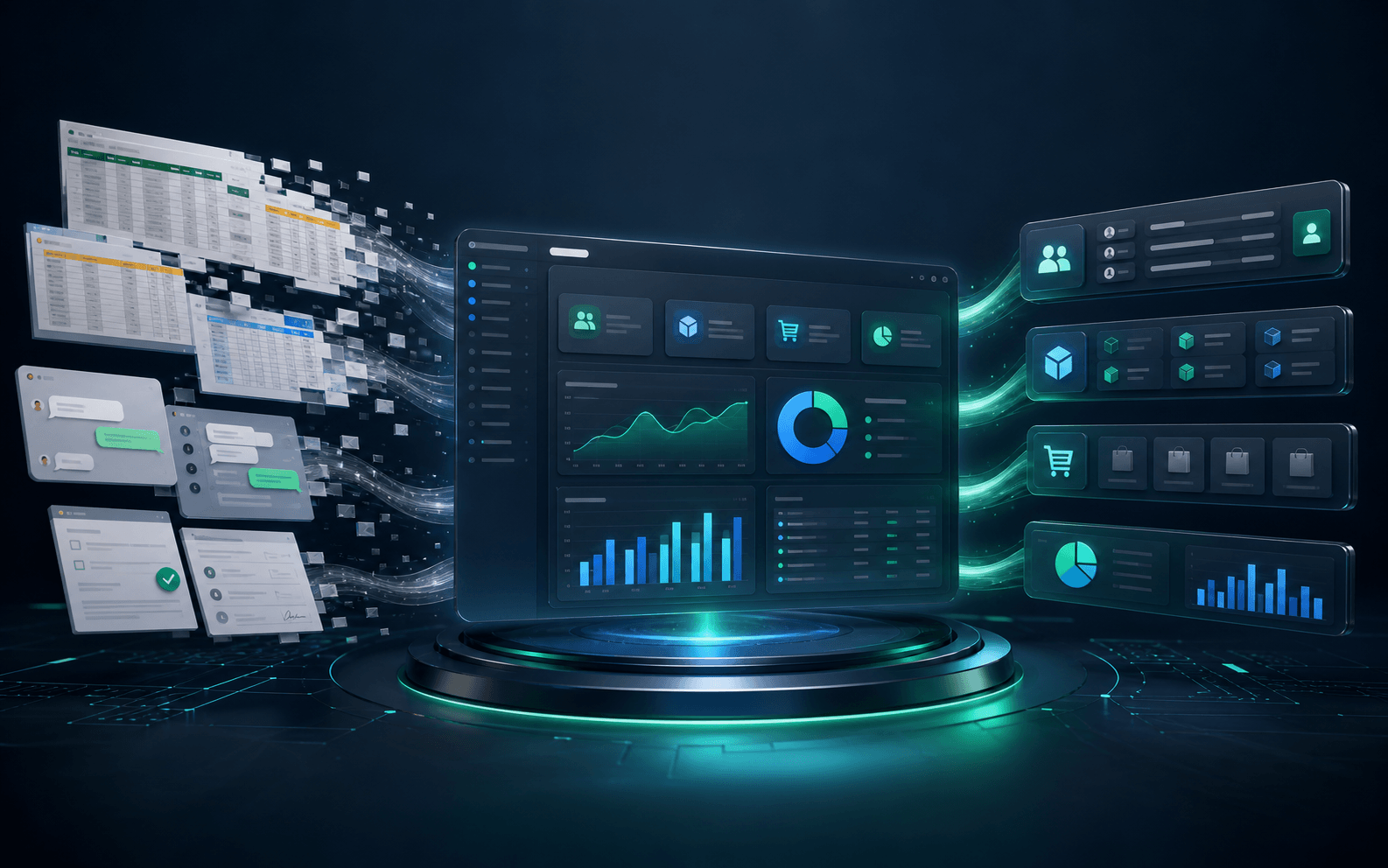
Enterprise management software brings the data and workflows of sales, customer service, inventory, purchasing, human resources, finance, and operations into a connected system. Instead of compiling information from spreadsheets, email, and chat, teams work from a shared source of truth with clear access controls.
A good system does not have to replace every tool. It must connect the right data, automate repetitive steps, and provide reliable reporting for each role.
This works when processes are reasonably standard, speed matters, and the business can adapt its workflow to the product. Initial costs are usually lower and many capabilities have already been tested in the market.
This fits when a process creates competitive advantage, contains unique business rules, or requires deep integration with existing systems. The company gains more control over the product roadmap but must invest in analysis, operations, and continuous improvement.
This is often the balanced approach: use standard products for common functions and build only the modules that support differentiated workflows. An API-led architecture lets these parts exchange data without replacing everything at once.
One symptom alone is not enough. Quantify lost time, error rates, and revenue opportunities before comparing them with the total cost of ownership of a new solution.
Do not build if the process changes constantly, requirements remain unclear, or common products already solve the need well. Standard email, accounting, basic task management, and document storage rarely create enough differentiation to justify custom development.
In these cases, focus on configuration, user adoption, and data integration. A focused product used consistently often outperforms a large system with no clear owner.
Total cost of ownership extends beyond licenses or development:
Compare options over three to five years and link each investment to processing time, error rate, productivity, or revenue.
Prioritize a frequent workflow with substantial manual effort and a measurable baseline. Avoid starting with an enterprise-wide scope.
Agree on statuses, data fields, access rights, and exception handling. Software cannot resolve a process that the team itself has not aligned on.
The first release should solve one complete workflow. Involve real users early to identify differences between process documents and daily operations.
Compare results with the baseline, track defects and adoption, and expand only after the system consistently produces value.
Yes, when a distinctive process creates enough value and standard products cannot support it. Start with a small module, reuse proven platforms, and validate the return before expanding.
Timing depends on scope and integrations. A well-defined module can launch incrementally, while a cross-department system needs more time for data, testing, and change management.
Secure access to your data, API documentation, source-code rights where agreed, deployment procedures, and handover materials. A modular architecture also allows individual components to change without rebuilding the entire system.
If your business is deciding between buying and building, AgentTech can help review the process, integration architecture, and scope of a practical first release. Explore our technology services or contact AgentTech to discuss your requirements.
Compare CRM and ERP by goals, data, users, and implementation scope, then choose the right system for your company size and growth stage.

A practical six-step roadmap covering process assessment, data foundations, system integration, automation, and responsible AI adoption.

Nine practical business AI use cases, from customer support and document processing to forecasting, workflow automation, and internal knowledge assistants.

Enterprise management software creates value only when work moves faster, data becomes consistent, and managers can make decisions earlier. The key question is therefore not “which product has the most features?” but “should we use an off-the-shelf product or build around our own process?”.
This guide explains when custom software is justified, how the main options compare, and how to implement a measurable roadmap. If the business is still setting overall priorities, start with the six-step business digital transformation roadmap.
Enterprise management software brings the data and workflows of sales, customer service, inventory, purchasing, human resources, finance, and operations into a connected system. Instead of compiling information from spreadsheets, email, and chat, teams work from a shared source of truth with clear access controls.
A good system does not have to replace every tool. It must connect the right data, automate repetitive steps, and provide reliable reporting for each role.
This works when processes are reasonably standard, speed matters, and the business can adapt its workflow to the product. Initial costs are usually lower and many capabilities have already been tested in the market.
This fits when a process creates competitive advantage, contains unique business rules, or requires deep integration with existing systems. The company gains more control over the product roadmap but must invest in analysis, operations, and continuous improvement.
This is often the balanced approach: use standard products for common functions and build only the modules that support differentiated workflows. An API-led architecture lets these parts exchange data without replacing everything at once.
One symptom alone is not enough. Quantify lost time, error rates, and revenue opportunities before comparing them with the total cost of ownership of a new solution.
Do not build if the process changes constantly, requirements remain unclear, or common products already solve the need well. Standard email, accounting, basic task management, and document storage rarely create enough differentiation to justify custom development.
In these cases, focus on configuration, user adoption, and data integration. A focused product used consistently often outperforms a large system with no clear owner.
Total cost of ownership extends beyond licenses or development:
Compare options over three to five years and link each investment to processing time, error rate, productivity, or revenue.
Prioritize a frequent workflow with substantial manual effort and a measurable baseline. Avoid starting with an enterprise-wide scope.
Agree on statuses, data fields, access rights, and exception handling. Software cannot resolve a process that the team itself has not aligned on.
The first release should solve one complete workflow. Involve real users early to identify differences between process documents and daily operations.
Compare results with the baseline, track defects and adoption, and expand only after the system consistently produces value.
Yes, when a distinctive process creates enough value and standard products cannot support it. Start with a small module, reuse proven platforms, and validate the return before expanding.
Timing depends on scope and integrations. A well-defined module can launch incrementally, while a cross-department system needs more time for data, testing, and change management.
Secure access to your data, API documentation, source-code rights where agreed, deployment procedures, and handover materials. A modular architecture also allows individual components to change without rebuilding the entire system.
If your business is deciding between buying and building, AgentTech can help review the process, integration architecture, and scope of a practical first release. Explore our technology services or contact AgentTech to discuss your requirements.
Compare CRM and ERP by goals, data, users, and implementation scope, then choose the right system for your company size and growth stage.
A practical six-step roadmap covering process assessment, data foundations, system integration, automation, and responsible AI adoption.
Nine practical business AI use cases, from customer support and document processing to forecasting, workflow automation, and internal knowledge assistants.